
Quickstart
Quickstart
DewaVPS offers two main types of storage solutions: Block Storage and Object Storage. All storage options are managed under Storage in the sidebar.
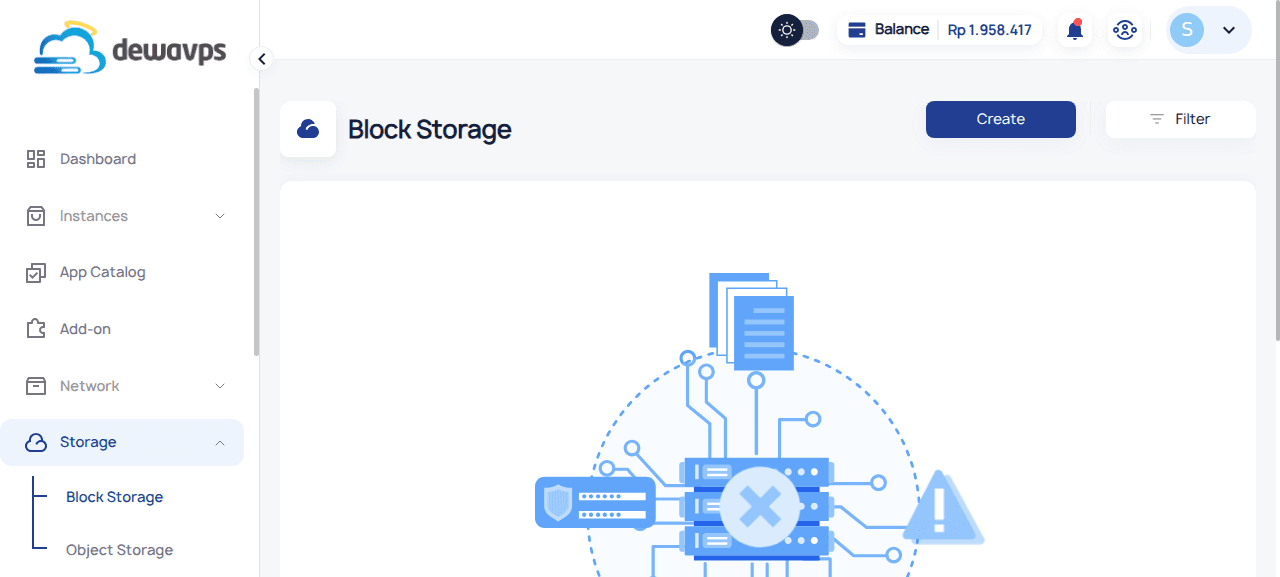
Block Storage
Block Storage provides raw storage volumes that you can attach to your instances as additional disks. It behaves like a physical hard drive, allowing you to format, partition, and mount it as needed.
Storage Tiers
| Tier | Price | Best For |
|---|---|---|
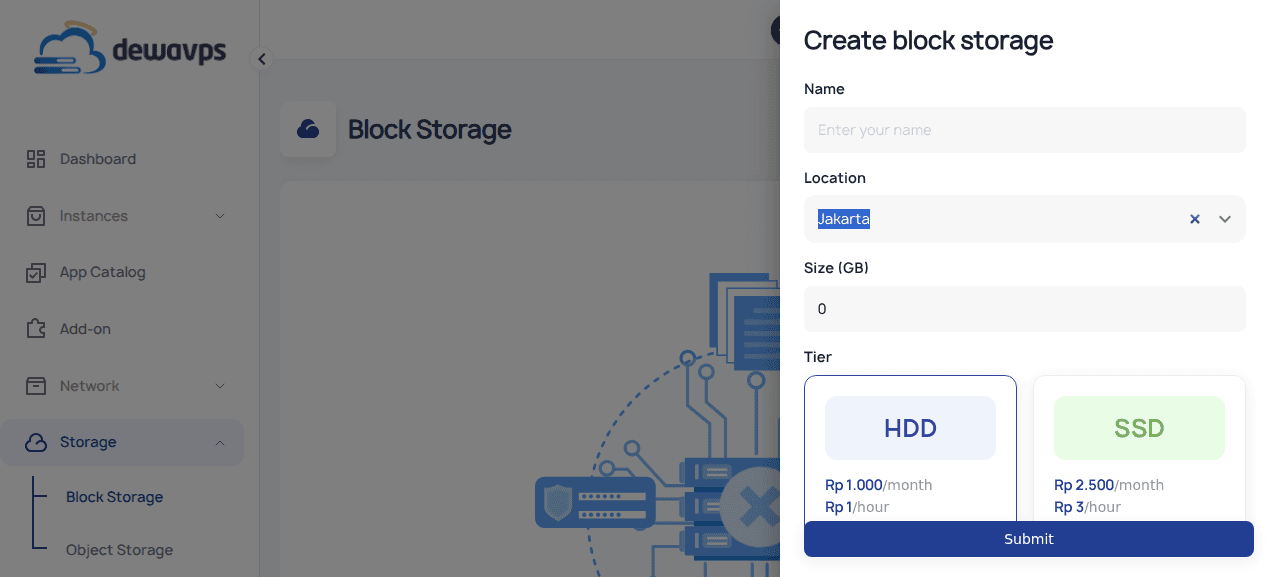
| HDD | Rp 1.000/GB/month | Cost-effective storage for backups, logs, and less performance-sensitive data |
| SSD | Rp 2.500/GB/month | High-performance NVMe storage for databases and demanding workloads |
Quick Steps
- Navigate to Storage → Block Storage.
- Click Create.
- Enter a name (e.g.,
My Backup Storage), select tier, and size. - Click Submit.
- Click Attach to connect it to an instance.
Object Storage
Object Storage is S3-compatible storage for unstructured data like images, videos, backups, and logs. It's accessible via RESTful API.
Features
- S3-compatible API
- Scalable and highly available
- Access Control Lists (ACL) for permissions
Quick Steps
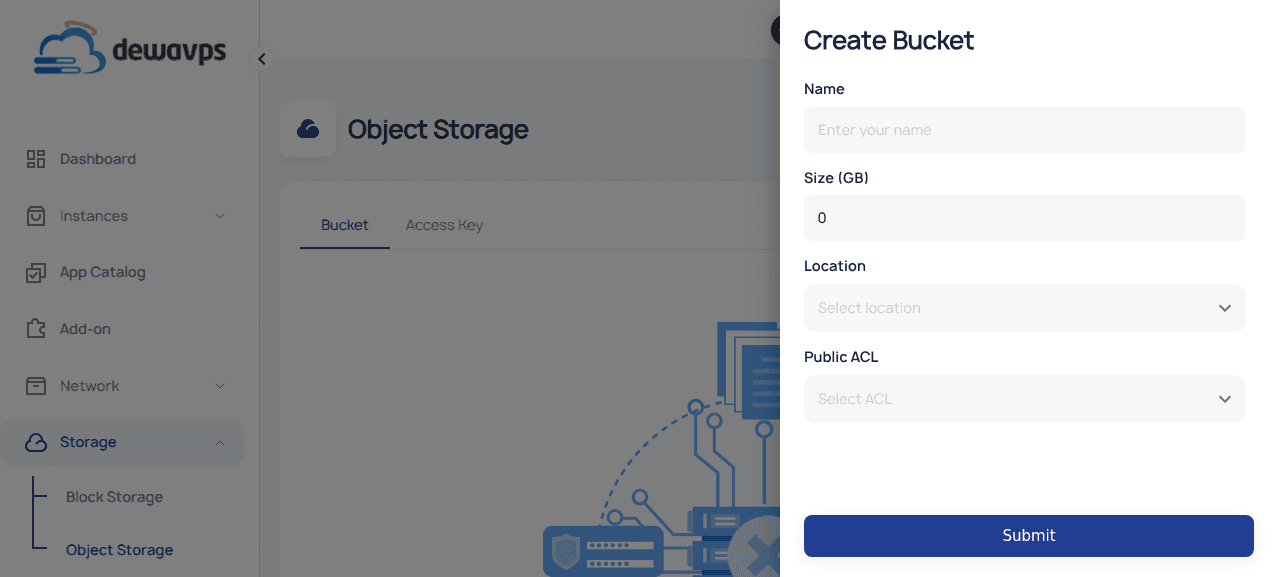
- Navigate to Storage → Object Storage.
- Click Create Bucket.
- Enter a name (e.g.,
my-backups), size, location, and ACL. - Click Submit.
Access Keys
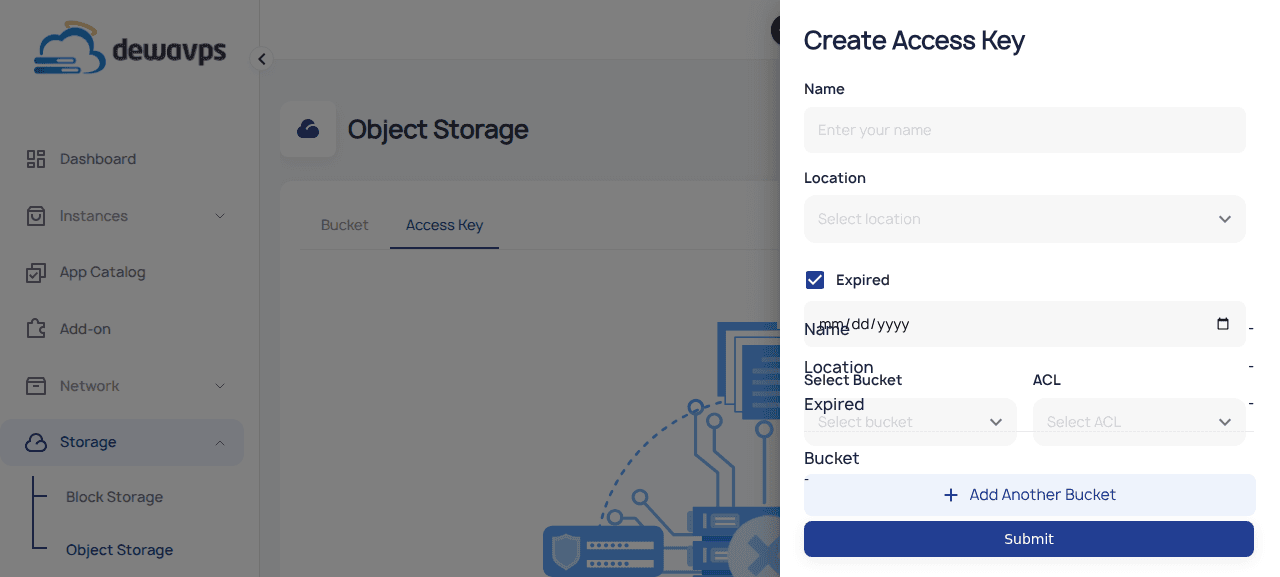
To access your buckets programmatically, create an Access Key:
- Go to Object Storage → Access Key tab.
- Click Create Access Key.
- Configure name, expiration, bucket permissions, and ACL.
Next Steps
- Create Block Storage — Detailed block storage setup
- Attach Block Storage — Connect storage to instances
- Create Object Storage Bucket — Detailed bucket setup
- Create Access Key — S3 API credentials